TM SIM Registration Delays: Causes and Fixes
Registering your TM SIM should be quick and smooth, but sometimes users face frustrating delays or errors that hold things up. The good news is most of these delays happen for common reasons — and once you know what they are, you can fix them fast. TM SIM registration is required under the SIM Registration Act, so it’s important to complete the process correctly to keep your number active for calls, texts, and data.
Here’s a friendly, step‑by‑step guide to help you understand why your TM SIM registration might be delayed and how to fix it without all the stress.

Common Causes of TM SIM Registration Delays
1. Incorrect or Incomplete Personal Details
One of the top reasons registrations get delayed is because the details you enter don’t match your ID exactly. Simple typos in your name, date of birth, or address can lead to the system rejecting your submission.
You can also read:How to Register Your TM SIM Without Long Waits 2026
Blurry or Invalid ID Photos
The registration system requires a clear photo of your government‑issued ID. If the image is blurry, dark, cropped, or badly lit, it may not get accepted and your registration will be delayed.
Fix: Use good lighting and a plain background when taking photos of your ID. Make sure the entire ID is visible and readable.
Poor Internet or Network Issues
Slow internet or weak mobile signal can interrupt the registration process, make uploads fail, or delay the One‑Time Password (OTP) message needed to verify your number.
Fix:
Use a strong Wi‑Fi connection or strong mobile data
Stay on the registration page until the process is complete
Restart your phone if the OTP doesn’t arrive
System Errors During Busy Times
Many users try to register at the same time, especially near deadlines. This can sometimes make the registration portal slow, freeze, or time out, causing delays.
Fix: If the site is slow, try again during off‑peak hours like early morning or later at night when fewer people are online.
Mismatched Information Between ID and Registration Form
Even small differences — like a missing middle name, extra spaces, or a slightly different format — can make the system pause your registration.
Fix: Review your ID carefully and enter your name exactly as it appears there. Keep consistent formatting to avoid delays.
Quick Fixes to Speed Up Your Registration
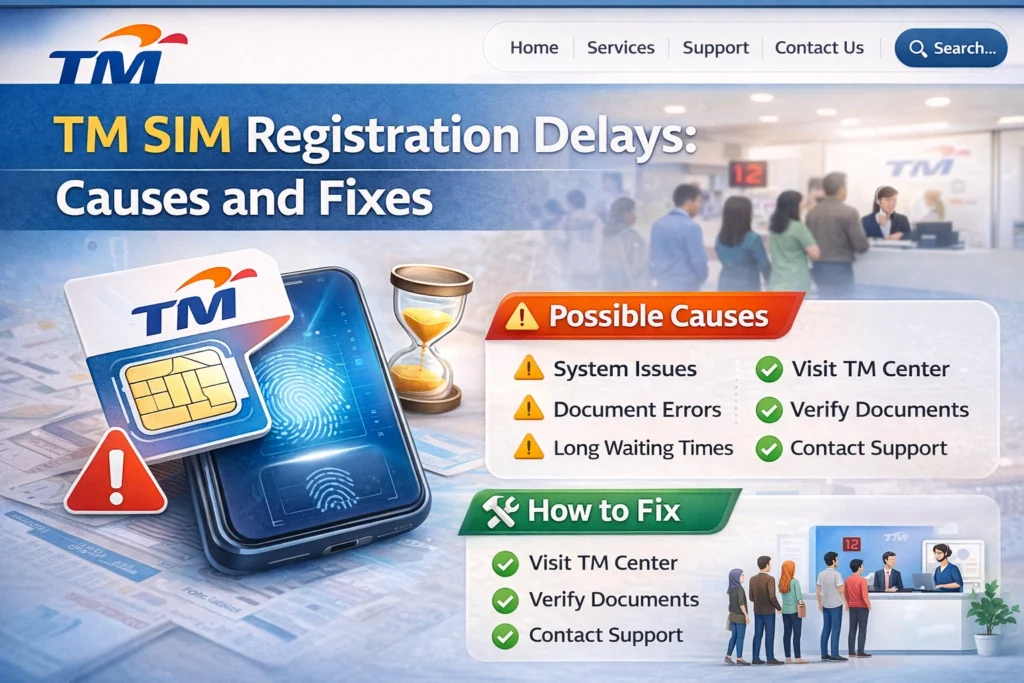
Here are some easy tips to help you avoid delay and get your TM SIM registered quickly:
What to Do If Your Registration Still Delays
If you’ve followed all the tips and your SIM still isn’t registering:
Try a different device or browser. Some phones or browsers handle uploads better
Visit a TM or Globe store. Staff can help complete or verify your registration on the spot
Contact customer support. They can check the issue on their end and guide you
FAQ’s
Final Words
Delays in TM SIM registration are common, but most of them happen because of small issues like typos, bad photos, or weak internet. Once you know what to watch out for and how to fix it, you can complete your registration fast and keep your SIM active without headaches. Just take a bit of care with your details and follow the steps above — you’ll be done before you know it.