TM SIM Registration for Senior Citizens: Easy Guide
If you are a senior citizen using a TM SIM, you need to register it to keep using calls, texts, and mobile data. The good news is that the process is simple. Globe says TM users can register through its online registration page or the GlobeOne app, and the accepted IDs include the Senior Citizen’s card. If online steps feel confusing, Globe also says customers who need help can visit a Globe Store for assistance.
The best way to think about it is this: have your phone ready, prepare one valid ID, follow the steps slowly, and do not use random links from text messages or social media. Registration is free, so you should never pay anyone just to register your TM SIM.
Why senior citizens need to register
The SIM Registration Act requires SIM owners in the Philippines to register their SIMs before they can be used for mobile internet, calls, and texts. Globe explains that this rule applies to everyone, including TM users, and the goal is to help reduce scams, fraud, and other illegal activity linked to unregistered SIMs.
For many seniors, a mobile number is important for family calls, bank alerts, OTPs, and everyday messages. That is why it is better to finish registration early and save your confirmation details in case you need help later. Globe also says you should keep your reference number after registration for future concerns.
What senior citizens need before they start
Before starting TM SIM registration, Globe says you should prepare your personal details and one valid government-issued photo ID that is not expired. The basic details usually include your full name, date of birth, gender, and address.
A Senior Citizen’s card is one of the accepted IDs. Globe also lists other valid IDs such as the National ID, SSS ID, GSIS e-Card, Driver’s License, Voter’s ID, and UMID. One helpful detail many articles miss is this: Globe recommends using a PVC-type ID because paper-type IDs or IDs with printed photos may not be accepted smoothly.
You should also keep your TM SIM inserted in your phone because the registration process starts by sending an OTP to your number. If your phone has weak signal, wait until the signal improves before you begin.
How to register a TM SIM for senior citizens
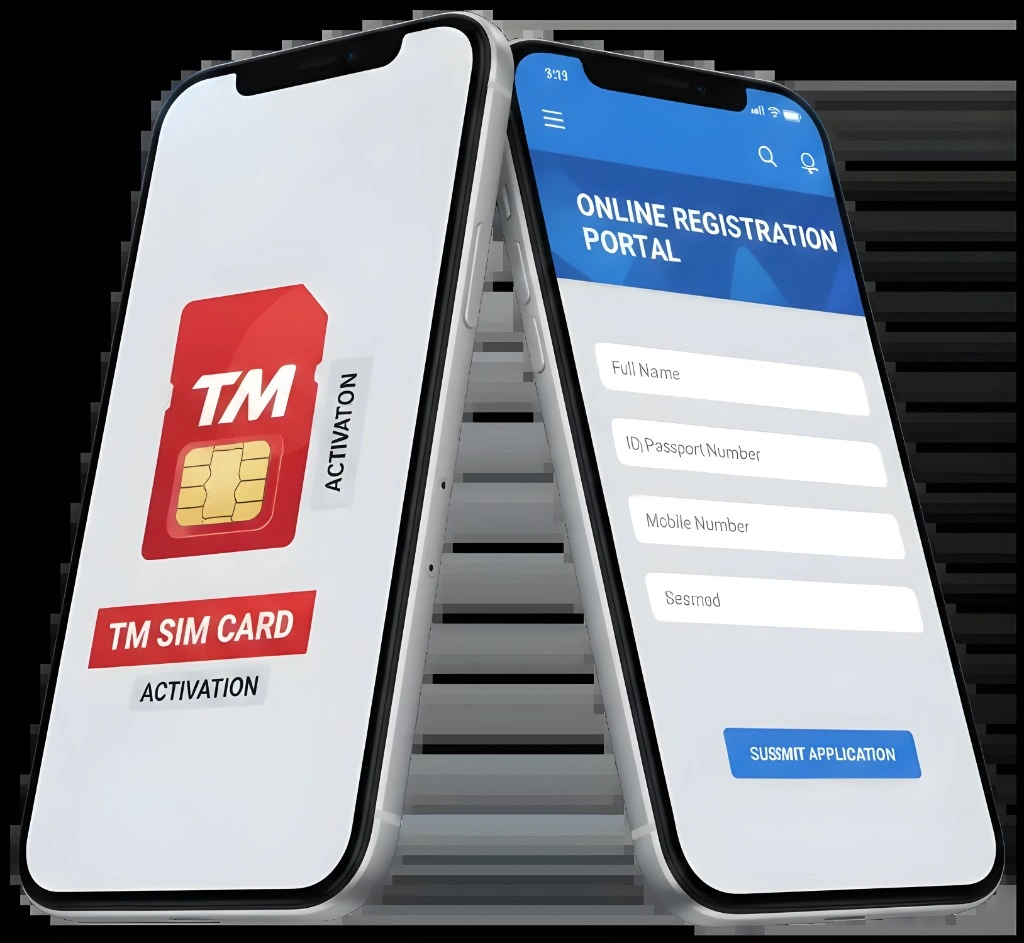
TM users register through Globe’s official channels. That means you should use the official Globe registration page or the GlobeOne app, not random websites that claim to be a “TM registration portal.” Globe has also warned users about fake SIM registration links, so always stay with official channels only.
Here is the easy step-by-step process:
Globe says TM users can register through its online registration page or the GlobeOne app. Choose whichever feels easier for you.
The portal will ask for your mobile number so it can send you a one-time PIN or OTP by text.
Once the code arrives, enter it on the screen to continue. If you do not receive the OTP, Globe says to check if your SIM has signal and tap Resend OTP.
Globe’s portal asks for one valid government-issued ID and a selfie. Make sure the ID photo is clear and your face is easy to see.
Enter your real name, birthday, address, and other needed details. Take your time here. Small mistakes can cause delays.
Before clicking submit, check your details one more time. Globe says your reference number will appear after successful registration, so save it or take a screenshot.
A simple tip for seniors
If you are not comfortable using apps or websites, ask a son, daughter, grandchild, or trusted family member to help you. That is fine. Just make sure the information used is your real information and the ID uploaded is your valid ID. Globe’s registration process is based on the actual SIM owner’s personal details and photo ID.
Can senior citizens register at a Globe Store?
Yes, this is one of the most helpful options. Globe has said that customers having a hard time registering can go to Globe Stores and EasyHubs for assistance. This is especially useful for seniors who are not used to taking selfies, uploading IDs, or typing details on a small phone screen.
When going to a store, bring your TM number, your phone if possible, and your valid ID. A store visit can save time if you are dealing with weak signal, camera problems, or trouble understanding the online form. Some senior-focused guides mention in-store help too, but they usually explain it only briefly.
Common TM SIM registration problems for seniors
Many people can finish the process in one go, but some get stuck. Here are the most common issues and the easy fixes.
OTP not received
If your OTP does not arrive, Globe says to first check if your SIM has signal. If it does, tap Resend OTP on the registration page
ID and details did not match
Globe says this usually means you should retake your selfie in a well-lit area with a plain background, make sure the front of your ID is clear and unexpired, and double-check that the personal details you typed match your ID
No confirmation after registration
Globe says prepaid users can verify successful registration through the confirmation SMS or by checking for the registered badge in the GlobeOne app. If you submitted your details but did not get a text, Globe says you can go back to the online registration portal and enter your number to check if your registration was successfu
The link looks suspicious
Globe has warned users about fake SIM registration links. Use only Globe’s official registration site or the GlobeOne app. Never share your OTP, and never pay a fee to register.
Helpful tips to make registration easier
Use a bright room when taking your selfie and ID photo. Globe specifically advises good lighting and a plain background for the selfie.
Keep your reading glasses nearby if you need them. This sounds simple, but it helps a lot when checking names, numbers, and dates before submission.
Take a screenshot of your reference number and save the confirmation text message. Globe says to keep your reference number for future concerns.
If your ID is old, damaged, or hard to read, use a clearer accepted ID if you have one. Globe notes that PVC-type IDs work better than paper-type IDs.
If the online process still feels stressful, go to a Globe Store instead of forcing it at home. Store assistance is often the easiest option for seniors.You can also read: Are There Hidden Fees After Completing TM SIM Registration?
FAQ’s
Final Words
TM SIM registration for senior citizens does not have to be hard. The simplest way is to prepare one valid ID, keep your TM SIM active in your phone, follow the steps slowly, and use only official Globe channels. If online registration feels too technical, a Globe Store visit can make the process much easier.
The most important thing is to stay calm and avoid shortcuts from fake links. Register once, save your reference number, and you are done. That way, your TM number stays ready for family calls, messages, and everyday use.