TM SIM Registration for OFWs Abroad – Easy Guide
If you’re an Overseas Filipino Worker (OFW) living or working abroad and you have a TM SIM from the Philippines, you still need to make sure it’s properly registered so you can keep using it for calls, roaming, messages, and SMS verification. The good news is the process is pretty simple — you can do it online even from abroad.
Why OFWs Need to Register Their TM SIM
Every TM SIM in the Philippines must be registered under the SIM Registration Act. This law makes sure that all SIM cards have verified user information to protect against misuse, scam messages, and fraud. This applies to OFWs and foreign nationals too. If a SIM is not registered, it can be blocked or deactivated, and you won’t be able to use it for roaming or important verifications.
What You Need to Register as an OFW
Here’s what you generally need:
For foreign nationals or OFWs who don’t have a Philippine ID, your passport with visa or resident permit can usually be used for verification.You can also read: Can You Register a TM SIM Outside the Philippines?
How to Register Your TM SIM Online (Quick Steps)
You can do this from anywhere in the world using the official online portal or the GlobeOne app:
Once submitted, you’ll usually get a confirmation message when your SIM registration is complete.
Tips for OFWs Doing This Abroad
Make sure your passport photo is clear — blurry images can delay approval.
Use a secure internet connection to avoid submission errors.
Enter your current address abroad exactly as it appears in your documents.
Keep your reference number or screenshot after submission for future reference.
What Happens After You Register
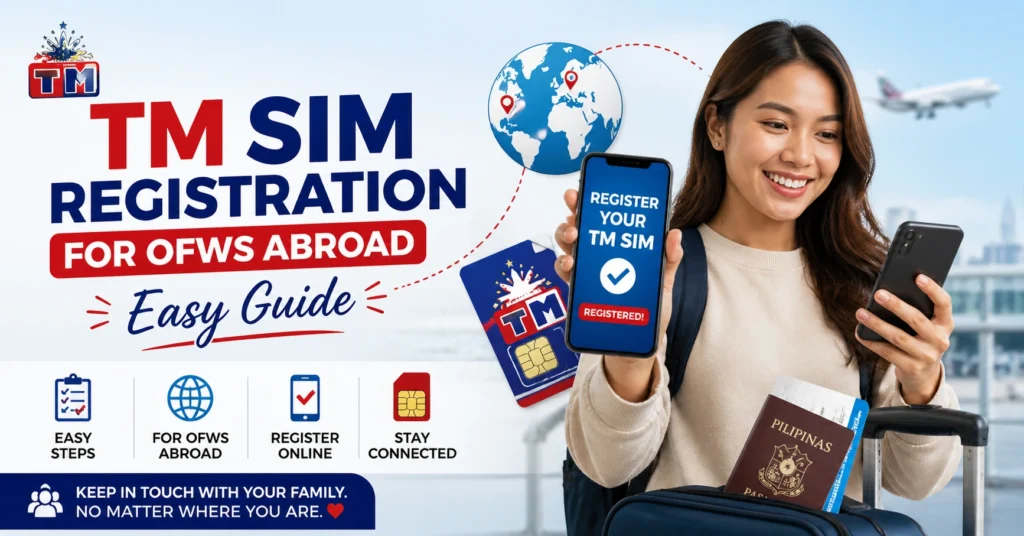
After you register successfully:
Your TM number stays active for calls and roaming.
You’ll continue to receive SMS and verification codes (important for apps and banks).
Your number is compliant with the law and less likely to be blocked.
FAQ’s
Final Words
Registering your TM SIM as an OFW is one of those small but important tasks that keep your mobile number active and working wherever you are in the world. The online registration process is straightforward and you can finish it in just a few minutes if you have your passport ready and a good connection. Once done, you’ll enjoy seamless roaming, receive your SMS verification codes, and stay connected to loved ones back home without interruptions.