
TM SIM Link Not Working? Try These Fixes (2026 Guide)
Trying to register your TM SIM and the link won’t open or load? It’s a super common problem, especially when registration deadlines are near or servers are busy.
Don’t worry — you’re not alone. This guide breaks down why the registration link sometimes won’t work and exactly what you can do to fix it — step by step.
Why the TM SIM Registration Link Might Not Work
Before we fix it, let’s understand why it happens:
Knowing the cause makes it easier to fix it fast.
Quick Fixes to Try When TM SIM Link Is Not Working
Here are practical solutions you can try right now:
Check Your Internet Connection
Before anything else, make sure your connection is stable.
Try:
Switching from mobile data to Wi‑Fi (or vice versa)
Restarting your phone
Turning airplane mode on and off
A weak connection is often the main reason the page won’t load.You can also read: TM SIM Registration Without Valid ID (2026 Guide)
Use a Different Browser
Sometimes the browser you’re using can cause problems.
Try:
If one browser won’t load the page, another usually will.
Clear Browser Cache and Cookies
Your browser saves old data that can sometimes break pages.
How to clear cache:
This often fixes loading problems instantly.
Try Incognito/Private Mode
Private mode doesn’t use stored data, so the page loads fresh.
In most phones or desktops:
Then paste the registration link again.
Use the Official GlobeOne App
Instead of the web‑link, try registering your TM SIM through the official GlobeOne app:
It loads faster
Less chance of errors
Works on most phones
Open the app, go to SIM registration, and follow the steps.
Wait for a Less Busy Time
Sometimes the server is slow because everyone is trying to register at once — especially as deadlines get close.
Tip:
Try early morning or late evening when traffic is lower.
This simple trick works surprisingly often.
Use a Different Device
If your phone keeps failing, try:
Sometimes the problem is the device, not the link.
Restart Your Phone
This sounds simple, but it works more often than you think.
Restarting refreshes your network settings and clears small glitches.
Still Not Working? Try These Too
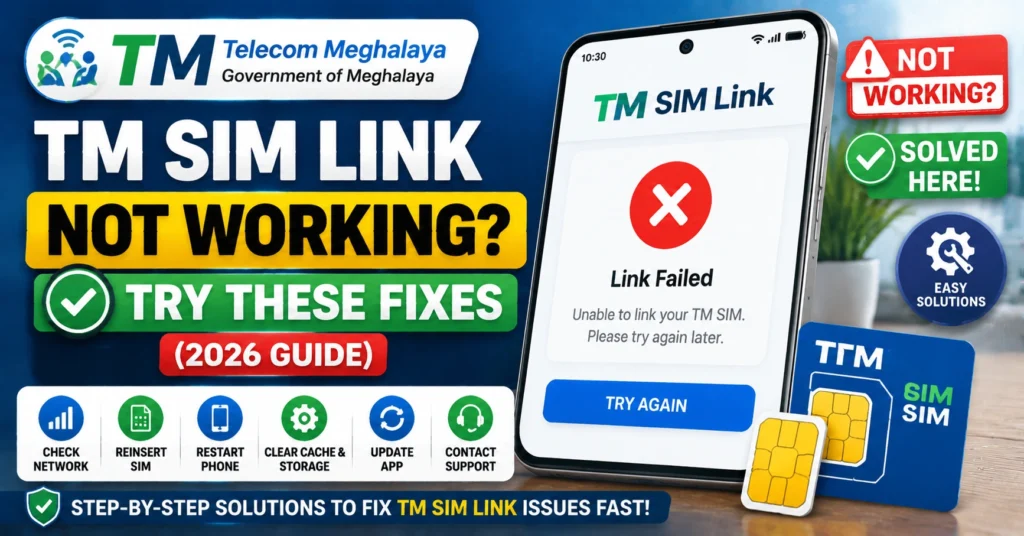
Turn Off VPN or Proxy
Some users use VPNs for privacy, but these can block some sites.
Try turning it off before opening the TM SIM registration link.
Check Date & Time Settings
Incorrect date/time on your phone can prevent secure websites from loading.
Make sure:
Auto date/time is turned on
Timezone is correct
What to Do If It Still Won’t Load
If none of the steps above fix your link issue:
Visit a TM or Globe Store
They can manually register your SIM for you using their system.
Bring:
Your SIM
Valid ID (National ID, Passport, Driver’s License, etc.)
Contact TM Customer Support
You can ask them to:
Send you an updated working link
Check server status
Help complete registration
Just give them your number and error message details.
Tips to Make Registration Smooth
Use clear photos of your ID
Enter your name exactly as it appears on your ID
Don’t refresh the page while submitting
Save confirmation screenshots
These small steps help avoid errors later on.
FAQ’s
Final Words
When the TM SIM registration link isn’t working, don’t panic. Most of the time it’s an easy fix — like changing your browser, clearing cache, or trying the GlobeOne app.
Start with simple steps first, and if all else fails, support and store help are always there.


