Do You Need ICCID for TM SIM Registration?
If you’re signing up your TM SIM under the new SIM Registration requirements and wondering about ICCID, you’re not alone. Many people get confused about what ICCID is and whether it’s required to register their SIM. I’ll explain it simply, like I’m talking to a friend, and give you useful tips so you don’t get stuck.
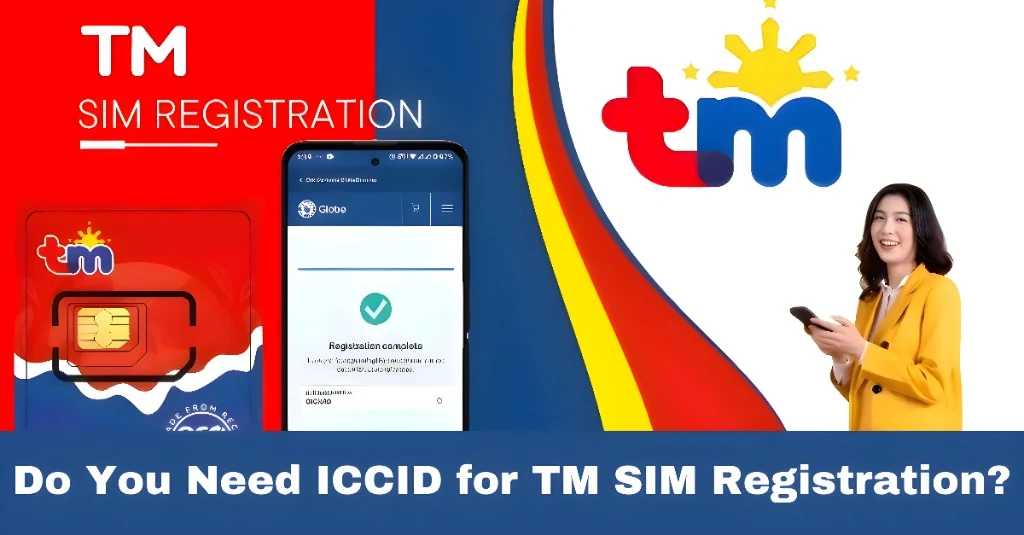
What Is ICCID?
ICCID stands for Integrated Circuit Card Identifier.
It’s a long number printed on your SIM card — usually 19 or 20 digits — and it’s unique to each SIM.
People sometimes think ICCID is needed for SIM registration, but let’s clarify that.You can also read: How to Save Your Progress in TM SIM Registration
Do You Need ICCID for TM SIM Registration?
In most cases, NO you do not need ICCID to register your TM SIM online.
Here’s why:
When you register your TM SIM through the official portal or app, the system usually asks for:
It doesn’t ask you to enter the ICCID number. The registration system can identify your SIM through your mobile number and network connection instead of ICCID.
So, you typically don’t have to type or upload the ICCID when completing the TM SIM registration online.
When Might You See ICCID Anyway?
Even though you normally don’t need it for the online form, ICCID can still be useful in certain situations:
1. If Your SIM Is Old or Not Active Yet
Sometimes older SIMs or brand‑new ones give the system trouble recognizing the number. In those rare situations, a customer support agent might ask for the ICCID to confirm your SIM.
2. At a TM or Globe Store
If you go to a physical store to register your SIM, staff may ask for the ICCID if there’s any problem identifying your SIM in their system.
3. For Technical Support
When you talk with customer care about registration issues, they might ask for ICCID so they can look up your SIM details on their side.
Where to Find Your ICCID

If you ever do need it, here’s how to locate it:
Having it handy can make support faster if needed, but it’s usually not required for online registration.
Why TM SIM Registration Doesn’t Usually Use ICCID
TM SIM registration is tied to your mobile number and identity verification — that’s why the focus is more on your personal info, valid ID, selfie, and OTP instead of the SIM’s hidden technical code.
This makes the process easier for most people because:
You don’t need to handle long numbers
You can register with just your number and ID
It’s quicker and less confusing
Tips to Complete TM SIM Registration Smoothly
Here are some friendly tips so your registration goes well without ICCID worries:
If something goes wrong online, visiting a TM or Globe store can help because someone can guide you through the process and use ICCID to check your SIM behind the scenes.
FAQ’s
Final Words
For most people, you do not need ICCID to register your TM SIM online. The system focuses on your number and identity info, so keep it simple and follow the steps. If anything goes wrong, help is always available at a TM or Globe store.