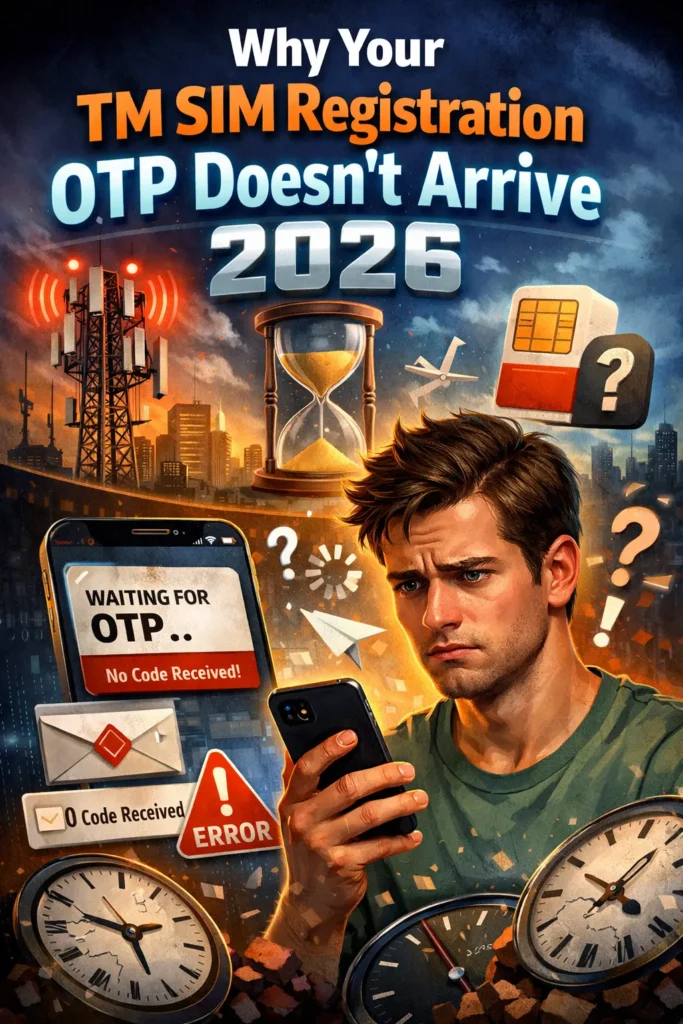
Why Your TM SIM Registration OTP Doesn’t Arrive 2026
Getting stuck because the TM SIM registration OTP doesn’t arrive can be frustrating — especially when all you want is to finish your SIM registration and keep your number active. I’ll explain in plain, easy language what usually happens and how to fix it.
What Is an OTP and Why It Matters
OTP stands for One‑Time PIN — a 6‑digit code TM sends to your phone so you can continue the SIM registration process. This step makes your phone number secure and verifies it belongs to you.
If this OTP never comes, you can’t complete registration, and that means your TM number may later get deactivated.
Top Reasons Your OTP Doesn’t Arrive
Here are the main reasons people don’t get their OTP:
If your phone has poor signal, the OTP SMS might never reach your inbox. Try moving to a spot with a better signal before you request it again.
Even a small typo will stop the OTP from being sent. Always double‑check your number before hitting “Send OTP.”
If your messages are full, new texts won’t come through — including your OTP. Clear old messages so new ones can arrive.
Sometimes settings like Do Not Disturb (DND) or message filters block unknown messages. Turn off DND and check message filters.
During busy hours, the TM or Globe system may delay OTP delivery. Try again after a short wait.
Quick Ways to Fix the OTP Problem
Here are simple steps you can take right now:
Turning your phone off and on again refreshes your network connection — and often helps.
Standing near a window or outdoors may improve your connection and get the OTP faster.
If your inbox is jammed, delete old messages so the OTP can come in.
If you don’t see the code in about 5–10 minutes, press Resend OTP. Sometimes it just gets delayed.
Sometimes the web portal has delays. Many users find the GlobeOne app sends OTPs more reliably.
Why Location Matters for TM SIM OTP
Sometimes, your location can impact the delivery of the OTP. If you’re traveling or in a rural area, make sure your roaming services are enabled (if needed) to receive SMS messages. Additionally, if you’re using your TM SIM on a dual-SIM phone, ensure that the correct SIM card is selected for receiving OTPs.You can also read: TM SIM Registration Without Selfie: Is It Possible?
How to Ensure Smooth TM SIM Registration in the Future
To avoid delays or OTP issues in the future, keep these tips in mind:
FAQ’
Final Words
Not receiving the OTP isn’t usually a big problem — it’s just a temporary hiccup. Most of the time, it’s caused by signal issues, wrong numbers, full inboxes, or system delays.
Just follow the tips above and you’ll be past this step in no time!