Official TM SIM Registration Link 2026
If you are looking for the official TM SIM registration link in 2026, the safe answer is simple: TM users should register only through Globe’s official SIM registration page or the GlobeOne app. Globe’s help page says TM users can register through its online registration page or GlobeOne, and Globe’s anti-fake-link advisory says those are the only official platforms for new SIM registration.
That also means you should avoid random websites, Facebook posts, blogs, or text messages claiming to have the “real” TM registration link. Globe says any other site pretending to be a registration portal is fraudulent and dangerous.
Quick Answer
The official TM SIM registration process is handled by Globe, not by random third-party websites. To register safely, go to Globe’s official registration page or use the GlobeOne app. Globe also says SIM registration is free and zero-rated, so you should never pay anyone just to register your TM SIM.
Why the Official Link Matters
Many users search for “official TM SIM registration link 2026” because fake registration pages are still a real problem. Globe warns that fake SIM registration links are used to trick people into sharing personal details. Since SIM registration requires your name, birthday, address, and a valid government-issued photo ID, using the wrong site can put your private information at risk.
How to Register Your TM SIM
The process is easy if you use the official Globe channel.
Globe says TM users should register through its online registration page or through GlobeOne.
Globe’s registration guide says you need to enter your 10-digit mobile number and click Register.
Globe says you will receive a One-Time PIN (OTP) by text if your SIM is eligible for registration. The OTP expires in five minutes, so it is best to enter it right away.
Globe says you need to provide your name, birthday, gender, address, and nationality. You also need a valid government-issued photo ID that is not expired.
Globe’s guide says you must upload a valid ID and take a selfie before submission.
After you submit, Globe says a reference number will appear on your screen. Keep it as proof of registration.
How to Know a TM Registration Link Is Fake
A fake TM registration link usually shows one or more warning signs.
First, Globe says Globe or 8080 will not send text messages with links or ask for your OTP. So if you receive a text telling you to click a registration link, treat it as suspicious.
Second, if a website claims it is the “official TM portal” but is not part of Globe’s official registration flow, do not trust it. Globe says only its SIM registration site and GlobeOne app are official, and any other site pretending to be a registration portal is fraudulent and dangerous.
Third, never trust anyone asking for payment to register your SIM. Globe clearly says online SIM registration is free.
What to Prepare Before You Start
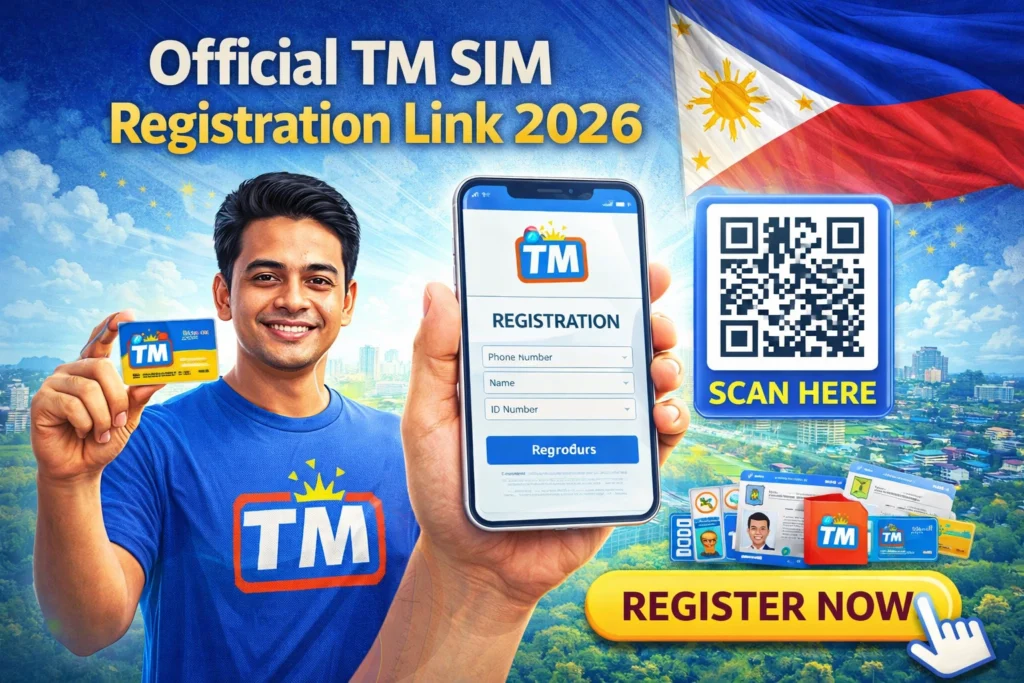
To make things easier, prepare your TM number, a stable signal for the OTP, and one valid government-issued photo ID. Globe says the required details include your full name, date of birth, gender, address, and valid ID.
What If the Link Is Not Working?
If you do not receive the OTP, make sure your TM SIM has signal and try again. Globe’s registration guide says the OTP is sent by text, so weak signal can delay the process.
If you are having trouble with the form, the safer move is to stop and return to Globe’s official site or app instead of trying random websites from search results.You can also read: TM SIM Registration Common Errors Solved 2026
FAQ’s
Final Words
The safest answer to Official TM SIM Registration Link 2026 is this: use Globe’s official SIM registration page or the GlobeOne app only. Globe says these are the official platforms for new SIM registration, and it warns that other fake registration sites are dangerous.
So keep it simple: use the official Globe channel, enter your TM number, verify with OTP, upload your ID, and save your reference number after registration.