TM SIM Registration Without Selfie: Is It Possible?
If you’re trying to register your TM SIM and wondering whether you really need a selfie, you’re not alone. Many people ask this because taking a selfie can sometimes be tricky or people worry about privacy. I’ll explain this in a clear, friendly way so you know what’s required and what your options are.
Why Selfie Is Usually Part of SIM Registration
The SIM Registration Act in the Philippines now requires everyone to register their SIM cards to stop scams and illegal use. When you register online, the system usually asks for:
Your personal details (name, birthday, address)
A valid government ID
A selfie for identity verification
This selfie helps the system match your face to your ID to make sure the SIM really belongs to you. Most telcos like TM and Globe use this step to reduce fraud.
Can You Register TM SIM Without a Selfie?
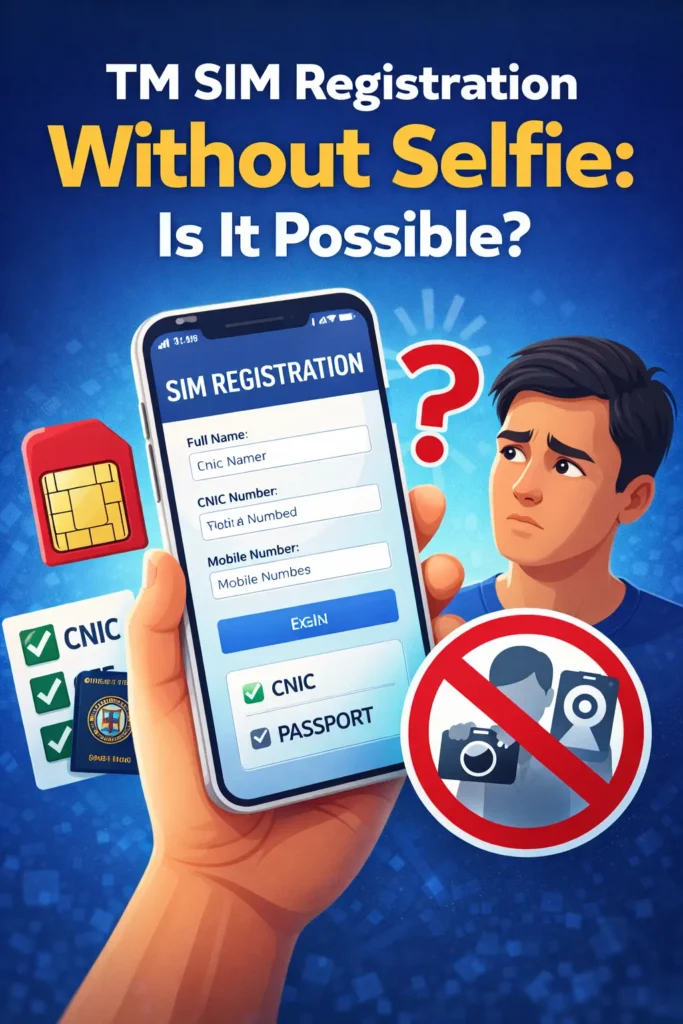
In most cases, no — you must upload a selfie online to complete TM SIM registration. The online form won’t let you proceed without it.
Because the system uses the photo to match your face with your ID, skipping this step isn’t usually allowed on the online portal.
What If You Can’t Take a Selfie?
Don’t worry — there are ways around it. If you have trouble taking or uploading a selfie online, here are a few helpful options:
Register at a TM or Globe Store
If you go inside a store, staff can help you with registration and take your photo for you. They’ll make sure your ID and selfie are accepted so you don’t get rejected.
Ask a Friend or Family Member to Help
Sometimes the issue is just how to take a good selfie. Ask someone you trust to help you take the picture in good lighting
Use the GlobeOne App Instead of Browser
Some people find the GlobeOne app easier to use. It guides you step‑by‑step through uploading your selfie and ID
Tips for a Successful Selfie
Here are some quick tips so your selfie gets accepted smoothly:
These small details help the system verify your identity quickly.You can also read: What Happens If TM SIM Gets Deactivated During Registration?
Why This Selfie Is Important
The selfie isn’t just a “nice to have” — it’s part of the law’s identity verification requirement. This step helps protect you and others from scams and misuse of SIMs.
Without verifying that the person registering the SIM matches the ID, the whole point of the law — safer mobile networks — wouldn’t work as well.
FAQ’s
Final Words
It may seem inconvenient, but a selfie is usually required when you register your TM SIM online. This step is part of how the Philippines keeps SIM users safe and secure. If taking a selfie online feels hard, you can always get help at a store or use the app instead.