Rejected TM SIM Registration: How to Resolve It Fast
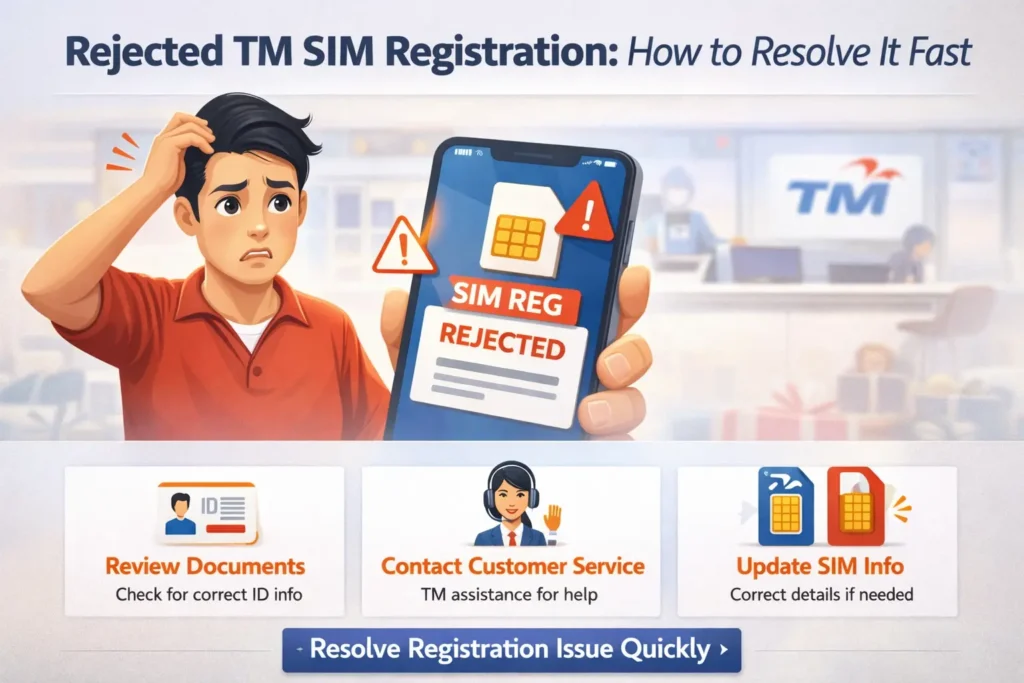
If your TM SIM registration got rejected or failed, don’t panic — it’s a common issue and easy to fix in most cases. The good news is that most problems can be solved quickly, often within minutes, with a few simple steps and checks.
Under the law, all SIM cards must be registered using accurate personal information and valid ID to continue working for calls, texts, and data. If something doesn’t match or upload correctly, the system may reject your application.
Why TM SIM Registration Gets Rejected
Before we fix it, let’s quickly look at the most common reasons registration fails:
Knowing the cause helps you fix it faster.You can also read:TM SIM Registration With Temporary or Digital ID: Possible?
Double‑Check Your Personal Details
One of the fastest fixes is simply checking your info.
Make sure:
Your full name matches your government‑issued ID exactly
Your date of birth is correct
Your ID number is entered accurately
Even a small typo can trigger a rejection.
Upload Clear and Correct Documents
Most rejection issues happen because the system can’t read your photo or ID files.
Here’s what you should do:
If your previous upload was blurry, retake and upload again.
Make Sure Your ID Is Valid and Accepted
Registration usually requires a valid government‑issued ID such as a passport, national ID, driver’s license, or similar official card. Paper IDs without photos or expired IDs may be rejected.
If your ID isn’t accepted, consider using another form of ID that is clearly readable.
Check Your Internet and Signal
A weak internet connection can interrupt the registration process and cause errors.
Quick fixes:
This simple step often resolves upload and OTP issues.
Re‑Submit OTP and Retry Registration
Sometimes the One‑Time Password (OTP) doesn’t arrive or expires before you enter it. If this happens:
Request a new OTP
Enter it immediately once it arrives
Make sure the SIM is installed properly and has network signal
If you still don’t get the OTP for a while, wait a few minutes and try again — sometimes systems need time to sync.
Try Registering Again From the Start
If all else fails, sometimes the fastest fix is to restart the registration process:
Starting fresh often clears errors caused by partial uploads or system timeouts.
Contact Customer Support or Visit a Store
If your registration keeps getting rejected even after all these steps, it’s time to ask for help:
Support staff can manually verify your documents and help fix issues quickly.
FAQ’s
Final Words
A rejected TM SIM registration is annoying, but most problems can be fixed fast with the right steps. The key is to make sure your personal details and documents are clear and accurate, your connection is stable, and your upload process completes without errors. If it still fails, support staff can help you finish it without a hassle.
Done right, you’ll have your SIM registered and working within minutes.