TM SIM Address Dropdown Missing? What to Do in 2026
If you’re registering your TM SIM online and the address dropdown menu is missing or doesn’t show your area, it can be confusing and slow you down. Don’t worry — this happens to many users during the TM SIM registration process and there are simple fixes you can try right away.
This guide explains why the address dropdown might be missing, what it means for your TM SIM registration, and easy steps you can take to complete the process smoothly.
Why the Address Dropdown Might Be Missing
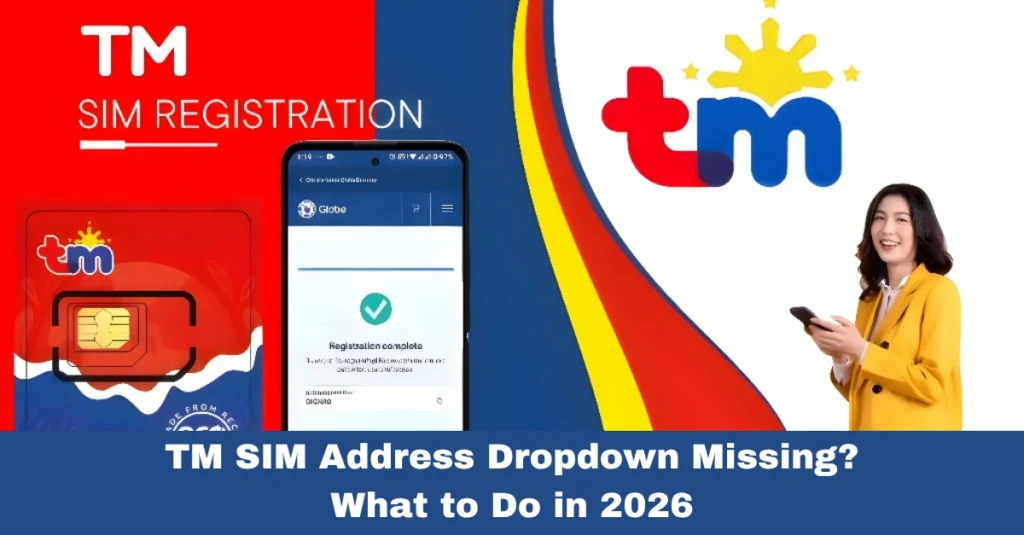
When you reach the part of the TM SIM registration form where you’re supposed to choose your address, you may expect a list of cities, barangays, or regions. Sometimes that list doesn’t show up, or your specific barangay isn’t listed.
This is a known issue that can happen for a few reasons:
The list of addresses in the portal is incomplete or hasn’t been updated yet.
Your area name might be spelled slightly differently in the system.
The registration form may not have every barangay or subdivision listed.
These kinds of problems are common and the portal even lists this as a possible error during registration
What to Try When the Address Dropdown Is Missing
Here are easy steps you can follow so your registration won’t stop just because the dropdown isn’t showing what you need:
Sometimes a barangay or city is listed under a slightly different name.
For example, dropping abbreviations, using hyphens, or trying a simplified version of the name can help you find a match.
If your exact barangay or subdivision isn’t in the dropdown list, choose the nearest or most similar listed area.
This helps you move forward without the form blocking you.
Some forms allow selecting “N/A” when nothing else matches. Selecting it lets you continue with registration and fill in your full address manually later.
In some cases the portal lets you type your complete address instead of relying only on the dropdown. If that option appears, enter your street, barangay, city, and postal code manually.
Good to Know: It Won’t Cancel Your Registration
Even if your exact barangay or area isn’t in the dropdown, picking a close match or typing your address manually does not automatically cancel your registration.
Most TM SIM registrations are still accepted as long as the rest of your information (name, birthdate, ID, etc.) is accurate and matches your ID exactly.
Additional Tips for Smooth TM SIM Registration
Here are a few simple tricks that help speed things up and avoid errors:
Taking these steps often makes the whole process faster and helps avoid common upload issues.You can also read: TM SIM Online Completion Time 2026 How Long It Really Takes
FAQ’s
Final Words
Seeing the address dropdown missing can be annoying, but it doesn’t need to stop you from completing your TM SIM registration. Most people get past this by trying a close match in the list, entering their address manually, or checking for alternative spellings.
Be patient, double‑check your details, and use the tips above to finish the process smoothly. Once you submit your correct information, you’re on your way to keeping your TM number active and secure in 2026