
Does TM SIM Registration Affect Your Contact List?
If you’re registering a TM SIM, you might be wondering: Will my contacts get lost? Does SIM registration erase phone numbers saved on my phone? The short answer is no — TM SIM registration does not delete or affect your contact list. But let’s explain why, how it works, and what you should still be aware of.
What TM SIM Registration Really Is
SIM registration is a process where you link your SIM card to your real identity. This is required by law in many places to stop misuse, scams, and fraud. When you register your TM SIM, you’re basically confirming your name, ID details, and phone number — the process does not touch your saved contacts on your phone or elsewhere.
You can also read:Rejected TM SIM Registration: How to Resolve It Fast
Why Your Contacts Stay Safe
Here’s why TM SIM registration won’t affect your contact list:
Contacts Are Stored in Your Phone
Most smartphones save contacts directly on the device’s memory, not on the SIM itself
Contacts Are Often Linked to Your Google / iCloud
If you use email accounts like Gmail or iCloud, your contacts are usually synced there, not on the SIM.
Registration Only Verifies Identity
The SIM registration process checks your name and ID — it doesn’t modify or erase stored data
In short: your contacts aren’t tied to your SIM registration status.
When Contacts Might Be On Your SIM
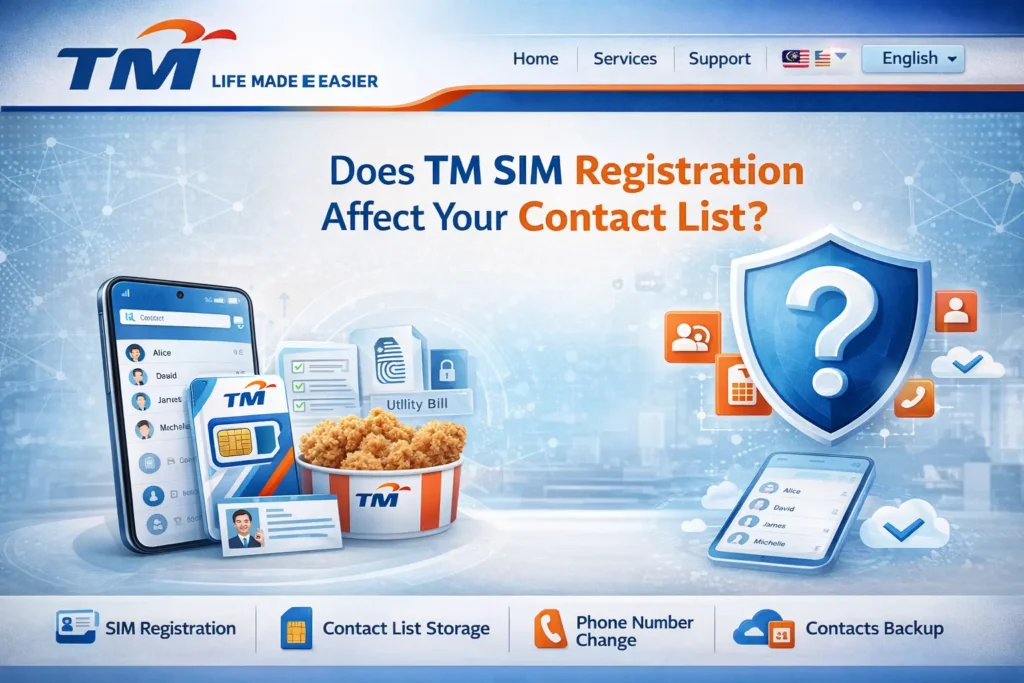
In older phones or certain setups, some people save contacts directly on the SIM card itself. This is different from registration.
If your contacts are stored on the SIM and you swap the SIM or remove it, those contacts will not show up until you put the same SIM back in.
But even in this case, registration doesn’t remove contacts — it just validates the SIM.
So if you ever lose them after switching SIMs, it’s because of where they were stored — not because registration deleted them.
How to Check Where Your Contacts Are Stored
Here’s how you can be sure your contacts are safe:
On Android:
On iPhone:
If your list is synced to a cloud account, it stays safe even if you change SIMs.
Tips to Keep Your Contact List Secure
Even though SIM registration won’t delete your contacts, here are some extra tips to make sure you never lose them:
Bonus tip: Cloud backups restore your contacts even if you get a new phone.
FAQ’s
Final Words
TM SIM registration does not affect your contact list. It’s only a verification step to link your SIM to your identity. Your contacts are stored separately — usually on your phone or cloud — and stay safe no matter what.
So go ahead and register your TM SIM with confidence — your contacts will stay right where they are.


