TM SIM Registration Requirements 2026
If you want to register a TM SIM in 2026, the process is simple once you know what to prepare. Globe’s current help page says TM users should register through Globe’s online registration page or the GlobeOne app, and SIM registration is free and zero-rated.
The main goal is to have your details ready before you start. Globe says SIM owners need to provide basic personal information, a valid government-issued photo ID, and access to the SIM for OTP verification.
Main TM SIM Registration Requirements
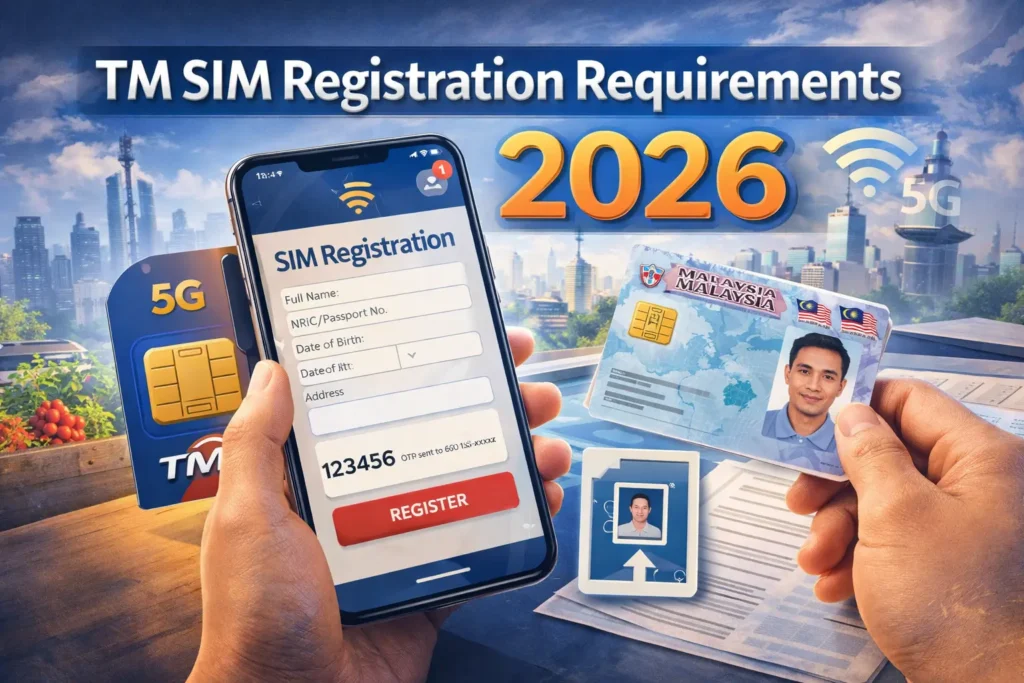
For 2026, Globe’s current requirement list includes your full name, date of birth, gender, address, and a valid government-issued photo ID that is not expired. These are the basic details you need before starting the registration form.
You also need your TM mobile number and a phone or device that can receive the One-Time PIN (OTP). Globe’s registration guide says prepaid users must enter their 10-digit mobile number first, then type in the 6-digit OTP sent by text. The OTP expires in 5 minutes, so it is better to finish that step quickly.
Another requirement is a selfie. Globe’s registration steps say you need to take a selfie and upload a copy of your valid government ID before you can submit the form. You also need to agree to Globe’s Privacy Notice and Attestation of Completeness and Accuracy before finishing registration.You can also read: TM SIM Registration Deadline Explained
Accepted IDs for TM SIM Registration
Globe’s help page lists several accepted IDs for SIM registration. These include a Passport, National ID, SSS ID, GSIS e-Card, Driver’s License, Police Clearance, PRC ID, IBP ID, OWWA ID, BIR ID, Voter’s ID, Senior Citizen card, UMID, and PWD card.
Globe also gives one very useful tip that many articles skip: it recommends using a PVC-type ID for smoother registration. Paper-type IDs or IDs with printed photos may not be accepted easily and can cause delays.
Step-by-Step Requirements Checklist
Before you open the registration page, make sure you have these ready:
If everything is ready, the process becomes much easier. Globe says a reference number will appear after successful registration, and you should keep it as proof of registration.
Special Cases You Should Know
If the TM user is under 18, Globe says the SIM must be registered under the name of the parent or legal guardian. Globe’s registration flow also tells under-18 users to ask a parent or guardian to register the SIM.
If the SIM is owned by a business or company, Globe says the authorized representative must provide their own details, the company or government entity name and address, a valid government-issued photo ID, and additional papers such as a Certificate of Registration or Board Resolution.
If you are using a prepaid WiFi or modem SIM, Globe says you may need to get the OTP from the modem’s SMS inbox through the modem dashboard instead of a regular phone inbox.
Simple Tips Before You Register
Use only Globe’s official registration page or GlobeOne app. Globe’s help page says those are the official channels for TM SIM registration.
Make sure your ID photo is clear and not expired. A blurry photo or unclear ID can slow down the process. Globe also reminds users to submit accurate details and a real photo ID when registering or updating SIM information.
Keep your phone nearby and make sure your TM SIM has signal. If the OTP does not arrive, Globe says to check the signal first, then click Resend OTP on the registration portal.
FAQ’s
Final Words
The TM SIM registration requirements for 2026 are not hard. You mainly need your TM number, basic personal details, a valid photo ID, a selfie, and access to the OTP. If you are registering for a minor or a company, there are a few extra requirements, but the process is still straightforward when you prepare ahead.
The best way to avoid problems is to gather everything first, use the official Globe platform, and save your reference number after you finish