TM SIM Registration After Deactivation – Simple Guide
If your TM SIM card got deactivated, you’re probably wondering what to do next. Deactivation can happen if your SIM wasn’t registered on time or if it became inactive from lack of use. The good news is there are clear steps you can take to try to fix this — and I’ll walk you through everything you need to know.
What Happens When a TM SIM Is Deactivated
When your TM SIM isn’t registered under the real name of the user, the system will eventually deactivate it so you can’t make calls, send texts, or use data. This is because the SIM Registration Act in the Philippines requires all SIM cards to be registered before they can stay active. After the deadline, unregistered SIMs were deactivated to follow this law.
Can You Reactivate a Deactivated TM SIM?
Here’s the honest truth: if your SIM was permanently deactivated for missing the registration deadline, you usually can’t simply reactivate it just by logging in or clicking a button. Most of the time the system won’t allow reactivation because the number was fully removed from active service.
There are still a few things you can try depending on the situation:You can also read: TM SIM Replacement Requirements 2026 – What You Need to Know
How to Try Fixing a Deactivated TM SIM
Try Registering Through Official Channels
If your SIM was only deactivated for not completing registration before, some users have success by attempting to register again through official portals or apps:
Use the official TM/Globe SIM registration portal
Try the GlobeOne app and follow the registration steps
Visit a TM/Globe store and request help with registration
Even if the SIM is inactive, staff may be able to check if the registration can still be processed.
Tip: Bring your valid ID and your phone number when you go to the store. It makes things faster.
Visit a TM or Globe Store for Support
If the SIM is permanently deactivated or won’t register online, going in‑person is your best next step. Store staff can:
This means you may be able to keep your old number even if the SIM card itself is replaced.
Contact TM Customer Service
Don’t underestimate customer support. You can:
Call or message TM/Globe support
Ask about your SIM status and options to restore service
Get guided help if you’re unsure what to do next
Customer service might help you with special procedures, depending on your situation.
What If You Can’t Reactivate the Same SIM?
In many cases, especially for old or long‑inactive numbers, the only solution is to:
This typically means you can still get your old number back but you need to start with a new SIM card.
Helpful Tips to Avoid Deactivation
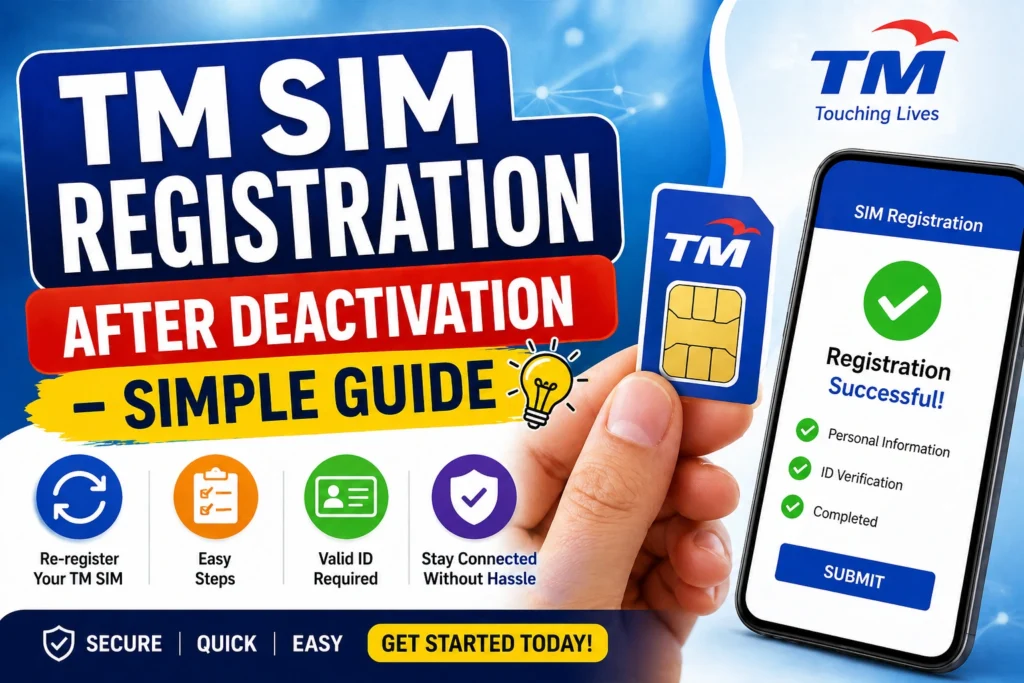
Here are some simple things you can do so your SIM doesn’t get deactivated again:
Register your SIM as soon as you get it
Save your registration confirmation or reference number
Use the SIM regularly (calls, texts, data)
Make sure your details match your valid ID exactly
FAQ’s
Final Words
Getting a TM SIM deactivated can be frustrating, but there are clear steps to deal with it. Start by trying to register or reactivate it through official channels and apps. If that doesn’t work, visit a Globe or TM store and ask for help with a replacement or number recovery.
The key is to act quickly and keep your SIM registered before it becomes permanently inactive. If you’re stuck, support teams are there to help you get back on track.