TM SIM Registration for Business Numbers 2026
If your company uses TM SIM cards for business calls, data, or mobile teams, it’s important to register each SIM correctly. The Philippines now requires all SIM cards to be registered under the SIM Registration Act (Republic Act 11934). This includes business lines — even if the SIM is used only for work.
Registering your business TM SIM keeps your number active, helps prevent fraud, and makes sure you can receive calls, text messages, and mobile data without interruption.
What Business SIM Registration Means
SIM registration links a mobile number to a real person or entity so the network can verify who uses the SIM. For individuals, this means your personal data. For businesses, it means your company details and the authorized user’s information.
Without registration, TM SIMs may stop working or be blocked from sending and receiving messages or data.
Who Should Register a TM Business SIM
You should register a TM SIM for business use when:
The SIM is owned or used by a company
The SIM is assigned to an employee for work
The SIM is tied to business services like mobile internet, point‑of‑sale devices, or remote work lines
Every SIM card must be registered, even if used by employees.You can also read: TM SIM Corporate SIM Registration Guide 2026
Requirements for TM Business SIM Registration
Before you register, prepare the following:
Tip: Make sure the company details on all forms match your official business documents to avoid delays.
How to Register Your TM Business SIM
You can register your business SIM online or in person. Here’s how:
Register Online
Tip: Use clear scans or photos of your documents — blurry files may cause delays.
Register Using a Business Hotline or Email
Some businesses prefer submitting registration through Globe/TM’s business support channels. You can contact Globe Business support for help with your registration, especially if you have many SIMs to register.
Visit a TM or Globe Business Store
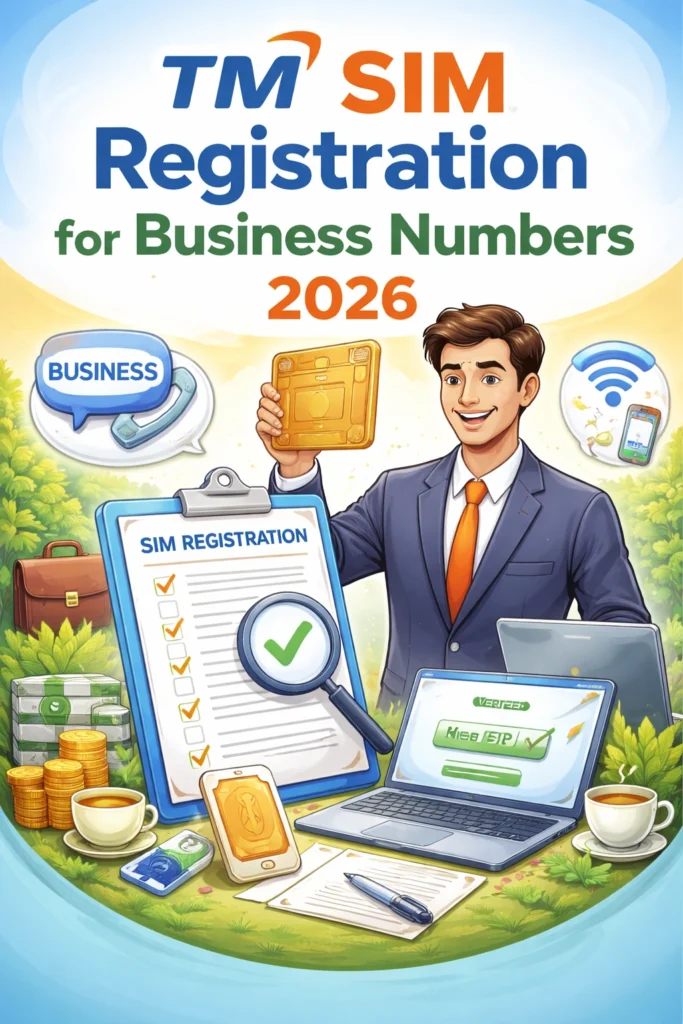
If you want help in person, visit a Globe or TM Business Store near you. Staff can guide you through registration, check your documents, and make sure each SIM is registered properly.
Common Mistakes to Avoid
Using personal details for a business SIM — Always use company information and authorized representative details.
Uploading unclear documents — Photos should be clear and readable.
Ignoring OTP messages — If you delay entering the OTP, it may expire and require a new request.
Skipping SIM registration early — Register as soon as you activate a business SIM to avoid service issues.
Tips for Business Users
Keep a record of all registered TM business numbers and their reference or confirmation codes.
Train employees who manage SIMs on registration rules.
Update registration details when employees change or when your business information changes.
FAQ’s
Final Words
Registering your TM SIM for business use isn’t hard when you know the steps. It protects your company’s mobile service, keeps everything compliant with the law, and helps avoid disruptions for employees and customers. Get it done early, use the correct business details, and save your confirmation information for future reference.