
TM SIM Registration How Long Takes ? 2026 Complete Guide
If you’ve just got a TM SIM card or haven’t registered your old one yet, you might be wondering how long TM SIM registration really takes. Don’t worry, it’s simpler than it sounds. This guide will walk you through everything, from online submission to in-store registration, so you can finish it fast and keep your number active without stress.
What Is TM SIM Registration?
TM SIM Registration means linking your mobile number with your real identity, including your name, birthday, address, and valid ID, so your SIM can work for calls, texts, and internet. It is required by the Philippines’ SIM Registration Act RA 11934. Both old and new SIMs must be registered.
How Long Does TM SIM Registration Take?
Here’s the honest answer so you know what to expect:
Online Registration:
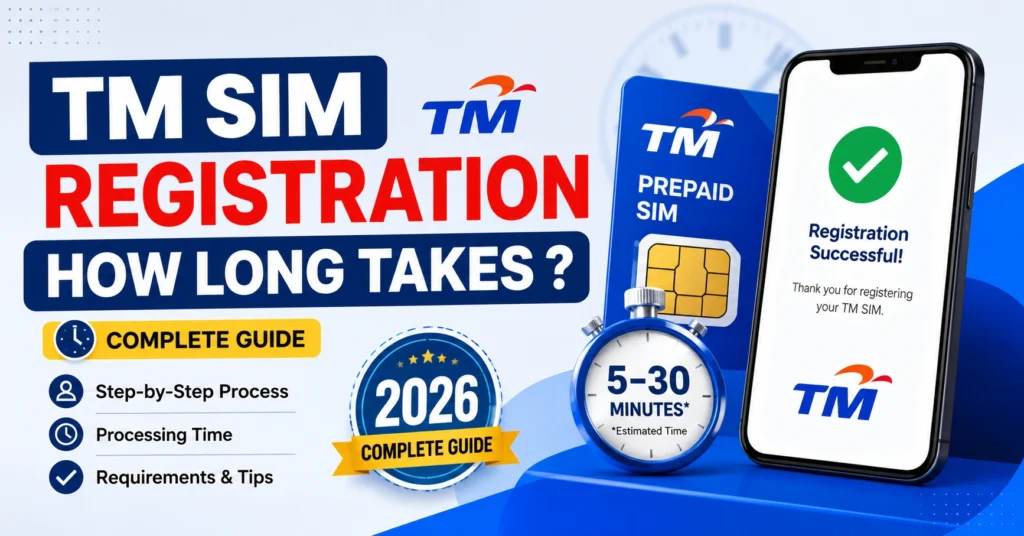
The actual form-filling part, which includes entering your info, uploading ID, and taking a selfie, takes about 5 to 10 minutes if you are ready. After submission, the system verifies your details. Most users get verification in minutes to a few hours, often within 24 to 48 hours
In-Store Registration:
If you register in person with an agent at a TM or Globe store, the registration is usually completed during the same visit, depending on the store crowd
Quick tip: If you do online registration at busy times or your documents need extra checking, it might take longer, sometimes up to a day.You can also read: TM SIM Steps for First‑Time Users 2026 Complete Guide
Why Timing Can Vary
Here are a few reasons your SIM registration might take longer than expected:
How to Register Your TM SIM Online
In-Store Registration Process
Visit any TM or Globe store with your valid ID.
An agent will assist you with the registration.
Your registration can usually be completed within the same visit, and you will receive instant confirmation.
This is ideal if you are uncomfortable with online registration or if online submission fails.
What Happens After You Register
Once your SIM is registered and verified:
Quick Tips to Speed Things Up
FAQ’s
Final Words
TM SIM registration is straightforward, and most users finish it within minutes online or during a quick store visit. Always ensure your ID and details are accurate to avoid delays. If verification takes longer than expected, it usually completes within 24 to 48 hours. By following this guide, you can stay compliant and keep your number fully active without hassle.


