TM SIM Tourist SIM Validity Explained 2026
If you’re visiting the Philippines and want to stay connected with a TM SIM card during your trip, it’s important to understand how long your SIM will stay active. TM (Touch Mobile) is a prepaid mobile service under Globe Telecom, and it’s often used by tourists because the SIM cards are affordable and easy to register.
What “Tourist SIM Validity” Means
Tourist SIM validity is the time your TM SIM card stays active after registration when you’re in the Philippines on a short‑term visit. For tourists, the SIM doesn’t stay active forever like a local SIM. Instead, it’s temporary, and the length depends on your stay and documents.You can also read: TM SIM Registration Retry Limit Fix 2026
How Long Is a TM Tourist SIM Valid?
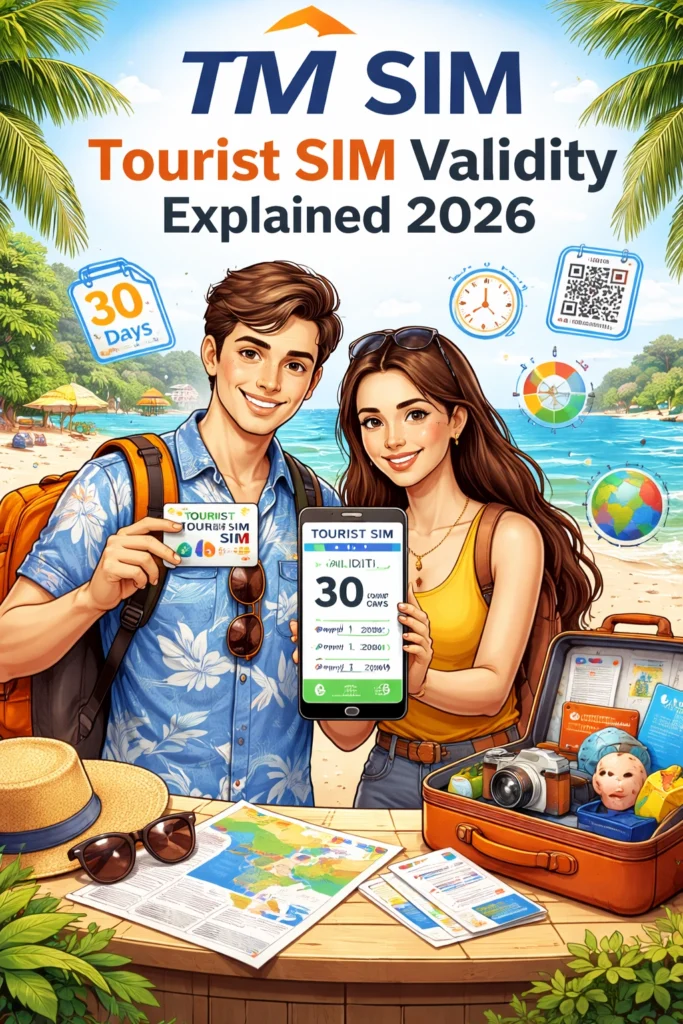
For most visitors, a TM SIM registered under tourist status is valid for 30 days. After this period, the SIM will automatically be deactivated unless you extend it or qualify for a longer stay (for example if you have a longer visa).
Quick Example
If you arrive for a short vacation and register your TM SIM as a tourist, it will stay active for 30 days from the date of registration. After that, calls, texts, mobile data, and other services will stop unless you renew or buy a new SIM.
How TM Tourist SIM Validity Works
When you register your TM SIM as a tourist, you must usually show:
A valid passport (with visa or entry stamp)
Proof of your Philippine address (like hotel booking)
A return or onward ticket showing your departure date
Because tourist SIMs are meant for short stays, the network applies the 30‑day validity rule to match typical visitor visas and stays.
Can You Extend the Validity?
In most cases, tourist SIM validity is not automatically extended beyond 30 days. If you plan to stay longer (for example if your visa is extended), you might need to:
Update your registration with visa extension documents
Switch to a resident or long‑stay SIM status
Buy and register a new SIM with a longer validity period
The idea is that validity generally matches how long you are staying in the country legally.
Why Tourist SIM Validity Matters
Knowing your SIM’s validity helps you stay connected without surprises:
Avoid service interruption – If you don’t plan ahead, your calls and data will stop when the SIM expires.
Keep WhatsApp, maps, banking access, and rideshare working – You’ll want reliable mobile service for navigation, messages, or OTPs for online accounts.
Budget planning – Buying and registering a SIM that matches your stay helps you avoid wasted load or bundles.
Tips for Tourists Using TM SIM
FAQ’s
Final Words
Getting connected with a TM SIM is a smart and affordable choice for tourists visiting the Philippines. Just remember that your SIM is usually valid for 30 days under tourist registration, and you’ll want to plan your mobile service around how long your trip lasts. If you’re staying longer or need uninterrupted connection, talk to TM/Globe support or store staff about your options before expiry.