TM SIM Registration at Globe Store 2026
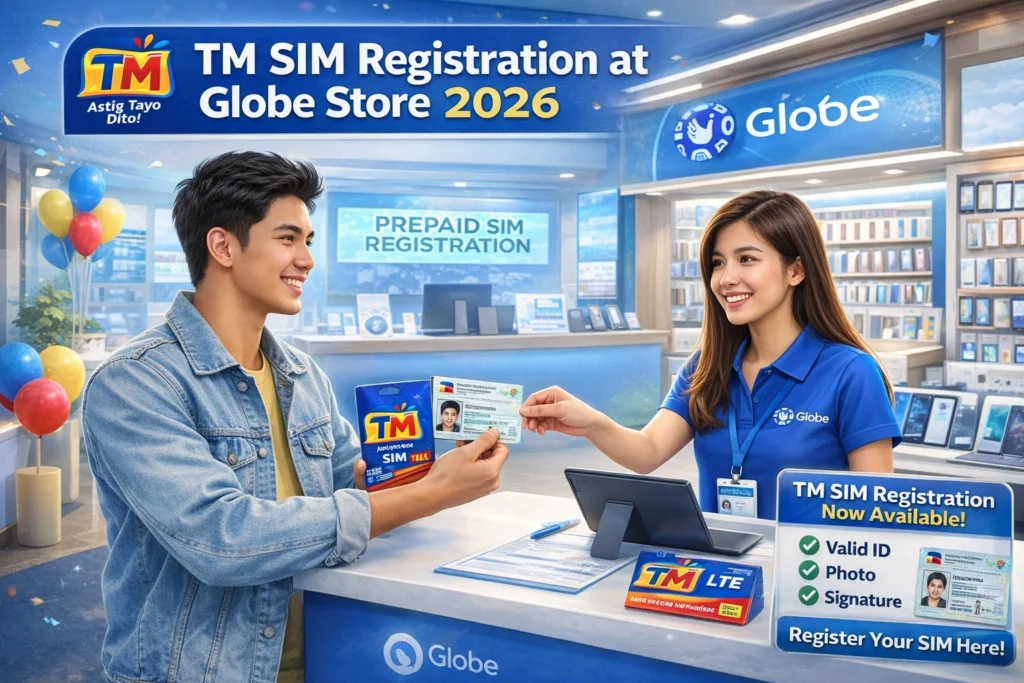
If you have a TM SIM and prefer to register it in person, going to a Globe store is the easiest option. Whether it’s a personal SIM, corporate SIM, student SIM, or tourist SIM, Globe stores can help you complete registration quickly and correctly. This guide explains everything you need to know in 2026.
Why Register Your TM SIM at a Globe Store
Registering at a Globe store is helpful if you:
Don’t have a working internet connection
Are unsure how to register online or via the GlobeOne app
Have multiple SIMs to register for business or corporate use
Need guidance on required documents or proper procedures
A store staff can walk you through the process and ensure your SIM is activated immediately.
Requirements for In-Person Registration
Before visiting a Globe store, prepare the following:
Tip: Bring a selfie-ready device if the store requires taking a photo for verification.You can also raed: TM SIM Registration via GlobeOne App 2026
Steps to Register Your TM SIM at the Globe Store
This process usually takes only a few minutes, and your SIM becomes fully functional immediately.
Benefits of Registering at a Globe Store
Immediate activation of your SIM
Assistance from trained staff to avoid errors
Perfect for tourists, students, and corporate users who have multiple SIMs
Safe and secure verification, reducing errors in personal or business records
Tips for a Smooth Globe Store Registration
Go early in the day to avoid long lines.
Have all IDs and documents ready.
If registering multiple SIMs, make a list of all numbers to save time.
Ask the staff to provide a receipt or reference number for your records.
Additional Services Available at Globe Store
When you register your TM SIM at a Globe store, you can also:
What to Expect During Your Store Visit
Visiting a Globe store for SIM registration is straightforward:
Expect to wait a few minutes, depending on line length
A staff member will guide you step by step
You may be asked to take a selfie or provide extra verification for security
Your SIM is usually activated the same day
FAQ’s
Final Words
Registering your TM SIM at a Globe store is straightforward and ideal for anyone who prefers personal assistance. It’s quick, secure, and ensures your SIM is fully functional without the hassle of online registration. Just bring your SIM, valid ID, and required documents, and your registration will be completed in minutes