TM SIM Lost SIM Replacement Same Number – Easy Guide
Losing your phone or TM SIM card can be stressful, especially if your number is linked to your accounts like banking, messaging apps, or social media. But don’t worry — you can replace your lost TM SIM and keep the same number. I’ll break it down in simple, friendly steps so you know exactly what to do.
Why Do You Need to Replace a Lost SIM?
When your TM SIM is lost or stolen:
Your number can be misused by others
You might lose access to important apps and accounts
Your service (calls, texts, data) stops working
So it’s important to report the loss and get a replacement SIM with the same number as soon as possible.
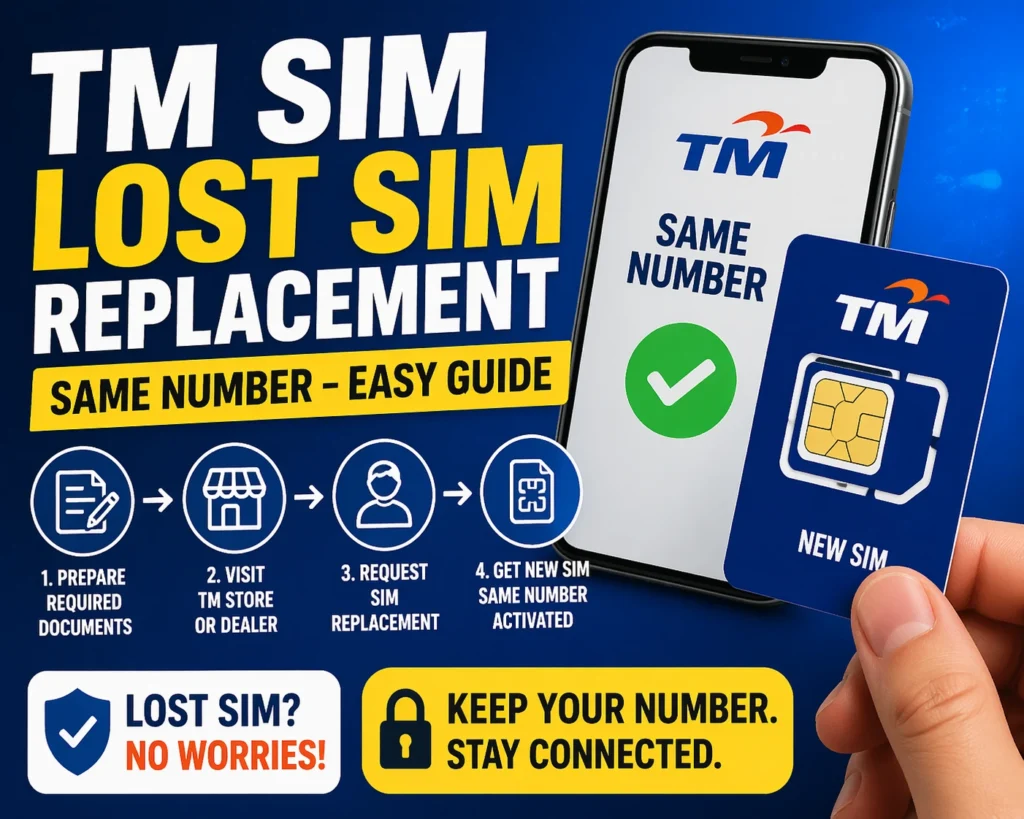
How to Get a Replacement TM SIM with the Same Number
There are two easy ways to replace your lost TM SIM without losing your number:
Replace TM SIM Through GlobeOne App (Online)
This is one of the easiest options if you can still receive messages on another device or use your TM number on another phone.
With this method, your number stays the same once you activate the new SIM.
Replace TM SIM at a Globe or TM Store
If you cannot use the app or if it’s a lost/stolen SIM, this is usually the best way:
Go to your nearest Globe or TM store
Bring the necessary documents (see next section)
Tell the staff you lost your TM SIM and want a replacement with the same number
They will verify your identity and help process the replacement
Your old SIM will be deactivated, and your new SIM will have the same number and services.
What Documents You’ll Need
For a lost TM SIM replacement, prepare the following:
Two valid government‑issued IDs (with your photo)
A Notarized Affidavit of Loss (explains when and how you lost the SIM)
A selfie or photo ID for identity confirmation (some stores may ask)
These help prove you are the real owner before they issue a new SIM with your number.
Tip: If you have the old SIM bed, phone receipt, or SIM package, bring them too — they can make the process smoother.You can also read: TM SIM Registration Updated Info Guide (2026)
How Long Does Replacement Take?
What Happens to Your Old Balance and Services?
Good news:
Your remaining load, promos, and even roaming services stay active after SIM replacement. This means you don’t lose your balance or promos.
Tips to Keep Safe After Losing Your SIM
Report the loss immediately to block unauthorized use.
Change passwords for linked accounts like financial and email apps.
Keep copies of your IDs and Affidavit of Loss handy before going to the store.
Always register your new SIM as soon as you get it so you don’t lose service later.
FAQ’s
Final Words
Losing your TM SIM doesn’t mean losing your number. With the right steps — whether through the GlobeOne app or a visit to the TM/Globe store — you can get a replacement SIM with the same number and continue using your services without interruption.
Remember to act quickly, bring valid IDs, and ask for help if you’re unsure about the process. If you want, I can also make a step‑by‑step checklist you can use when going to the store.